
DeepSeek AI is rapidly emerging as a competitive platform in the realm of artificial intelligence, particularly with its innovative model, DeepSeek-R1. This AI platform not only rivals established names like ChatGPT but also offers a user-friendly interface that makes it accessible to both casual users and tech enthusiasts. This article will guide you through the various methods to leverage DeepSeek’s capabilities online, ensuring you can fully utilize this powerful tool.
DeepSeek’s technology is built on advanced AI models, providing impressive performance and functionality that are particularly beneficial for tasks such as content creation, coding assistance, and data analysis. Whether you are a professional seeking to enhance your productivity or a novice exploring the world of AI, understanding how to use DeepSeek is crucial to making the most of its features.
Understanding DeepSeek Models
At its core, DeepSeek operates with models designed to process and generate human-like text efficiently. The primary model, DeepSeek-R1, was introduced as an open-source AI tool that closely resembles other leading models but stands out with its cost-free accessibility and enhanced reasoning capabilities. The model employs state-of-the-art techniques, including reinforcement learning, to improve its responses and user interactions.
The DeepSeek-R1 model is particularly noted for being 90-95% more cost-effective compared to similar offerings in the market. This affordability makes it an attractive option for users looking to explore AI without incurring significant expenses.
How to Access DeepSeek?
To start using DeepSeek, access the official website. The process is straightforward:
- Visit the DeepSeek website.
- Create an account by signing in with your email, Google account, or phone number.
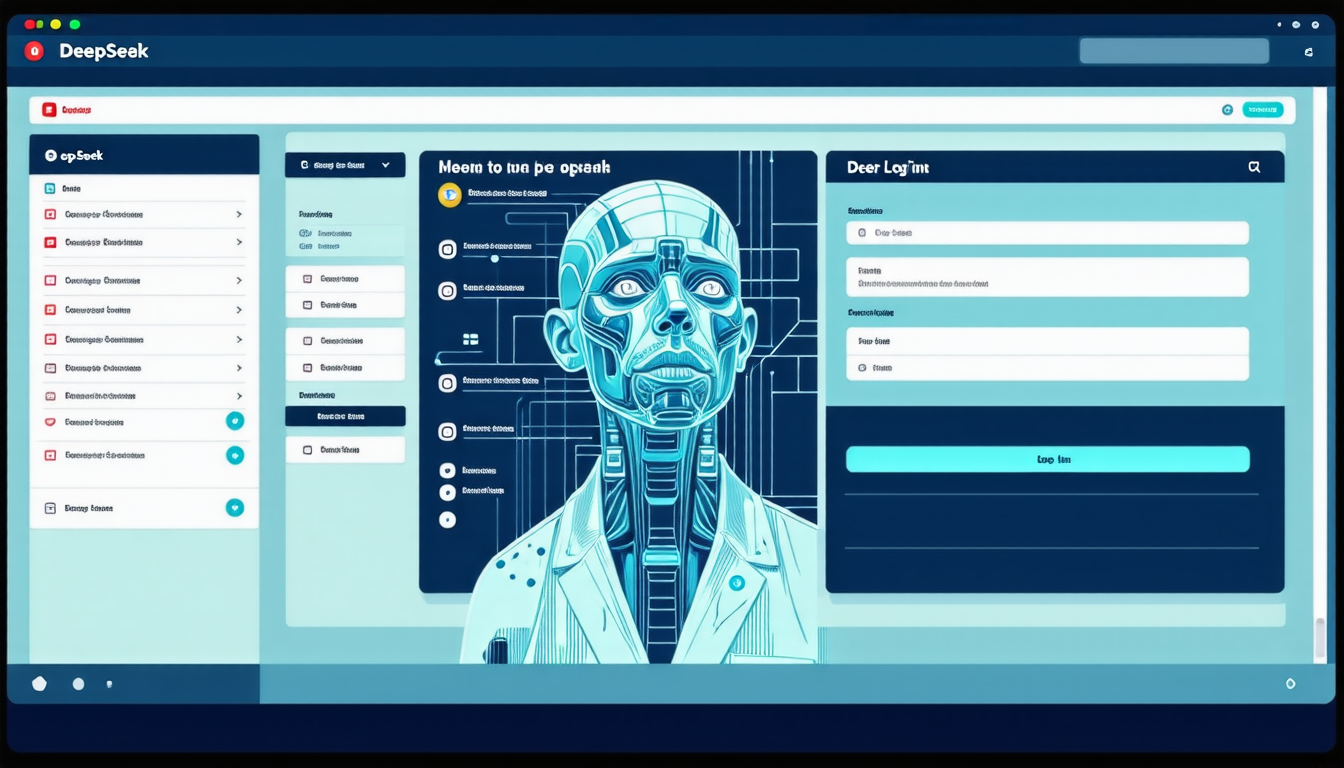
- Once logged in, you will be greeted by an interface similar to other AI chat systems, allowing you to start interacting with the AI immediately.
Once you are in, the platform will guide you through its various features and capabilities, making it easy for new users to familiarize themselves with the technology.
Key Features of DeepSeek
DeepSeek is packed with a plethora of features that enhance user experience significantly. For starters, its ability to conduct complex queries and produce coherent, contextually relevant responses makes it an excellent choice for both casual inquiries and professional tasks. Users often find that DeepSeek offers remarkably rich interactions that can aid in various applications including:
- Content Creation: Generating articles, blogs, or creative writing with minimal prompts.
- Coding Assistance: Helping users write or debug code, making it a defender for developers.
- Data Analysis: Providing insights based on data inputs, which can help businesses draw informed conclusions.
All these features are made possible through a crisp integration of AI technology and user-oriented design principles, allowing it to seamlessly adapt to user needs.
Optimizing your use of DeepSeek
When using DeepSeek, there are several strategies you can employ to optimize your experience. Consider the following tips:
- Use Specific Queries: The more specific your queries, the better DeepSeek can understand and deliver relevant results.
- Explore Different Applications: Don’t limit yourself to one type of task. Experiment with different functionalities, from casual conversation to more technical queries.
- Provide Feedback: Engage with the AI by providing feedback on its responses. This can help improve the AI’s learning curve and enhance the quality of future interactions.
Learning how to effectively communicate with DeepSeek will significantly enrich your interactions and make the experience more fulfilling.
Using DeepSeek on Mobile
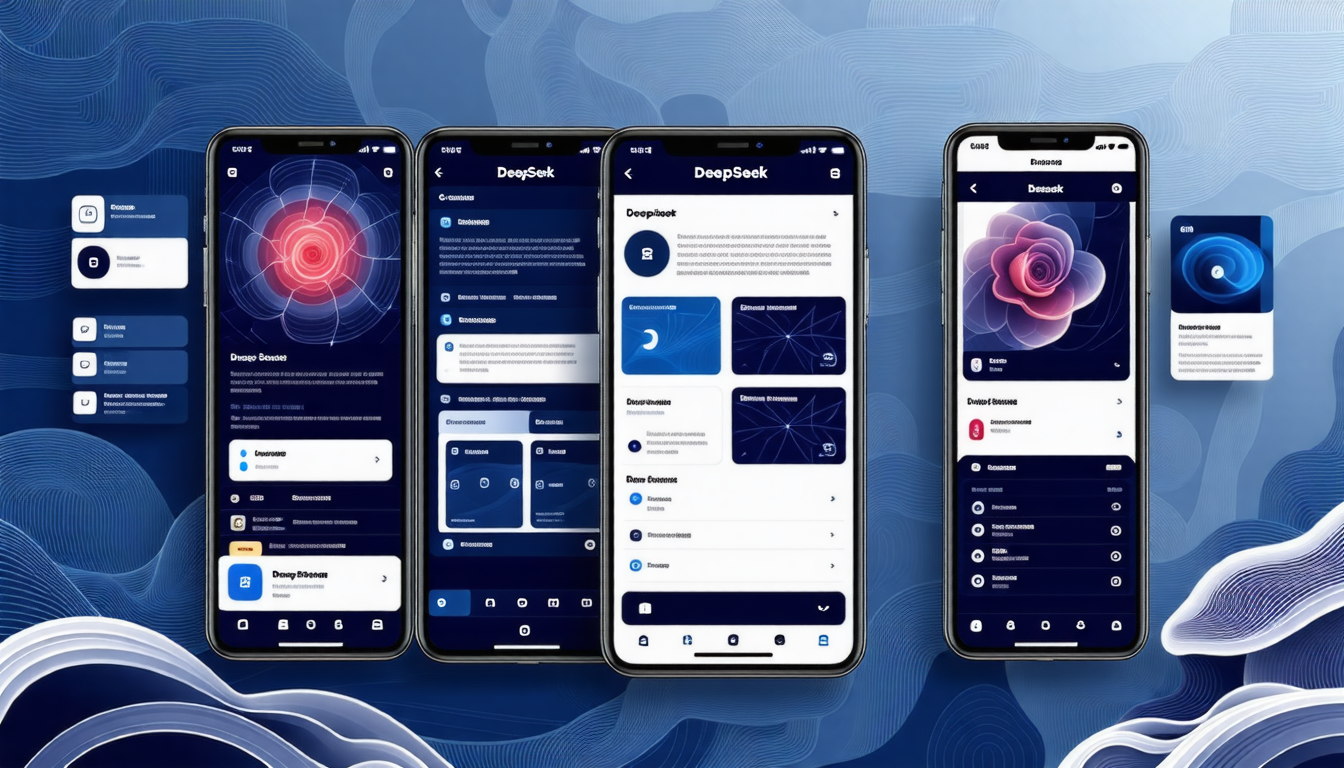
Recognizing the importance of mobile accessibility, DeepSeek also offers applications for both Android and iOS platforms. You can easily download the DeepSeek app from the Google Play Store or Apple App Store.
The mobile version of DeepSeek maintains the robust functionality of its web counterpart, enabling users to conduct AI-driven queries and interactions on the go. Follow these steps to get started:
- Download the DeepSeek R1 app from your device’s app store.
- Create an account or log in using your existing credentials.
- Start utilizing DeepSeek’s powerful features on your mobile device with the same ease as on a computer.
This mobile accessibility ensures that you can access AI capabilities wherever you are, facilitating greater flexibility in your productivity.
Comparing DeepSeek with Other AI Models
In the growing landscape of AI models, comparing DeepSeek with other platforms like ChatGPT reveals key distinctions that could influence user preference. DeepSeek is positioned to offer unique advantages:
- Cost Efficiency: DeepSeek stands out for its free access, appealing to a broader audience than subscription-based models.
- User Privacy: Unlike some competitors that may collect user data for refinement, DeepSeek prioritizes user privacy, ensuring data is not shared or utilized to train its models.
- Interactivity: The platform is designed for engaging conversations, pulling users in with its conversational flow and contextual understanding, which often surpasses what other platforms offer.
These factors contribute to DeepSeek’s burgeoning success in connecting with a diverse range of users who seek a cost-effective and private alternative to established AI platforms.
Staying Updated with DeepSeek Developments
As the AI landscape evolves rapidly, staying informed about new features, updates, and improvements in DeepSeek is vital for maximizing its potential. Regular updates from DeepSeek’s development team ensure the platform remains competitive and functional. Here’s how you can stay connected:
- Follow DeepSeek’s official social media pages: Platforms like Twitter and LinkedIn are excellent for timely updates.
- Join user communities: Engaging with other DeepSeek users through forums or social media groups can provide insights and sharing of tips.
- Subscribe to newsletters: Many platforms offer newsletters that summarize the latest features and improvements, helping you stay informed.
Being part of the DeepSeek community allows for a richer user experience as you blend knowledge with application, ensuring you’re at the forefront of AI involvement.

Final Thoughts on DeepSeek Experience
The rise of DeepSeek AI presents an exciting opportunity for users to explore powerful AI capabilities at no cost. As technological and AI advancements continue to reshape our lives, DeepSeek stands out as a relevant player within this evolving industry. Its features cater to diverse needs, ranging from professional applications to casual interactions.
Looking towards the future, potential advancements and updates promise an even greater integration of AI in day-to-day life, emphasizing efficiency and accessibility. Engaging with DeepSeek can not only boost your productivity but also expand your understanding of AI’s evolving role in our society.